Schema-driven forms and tables
Describe an entity once as a field list. useSchema turns it into a Zod schema, form fields and table columns, so SchemaForm and SchemaTable never drift apart.
Schema-driven forms and tables, a code-generating CLI and 9 languages with RTL.
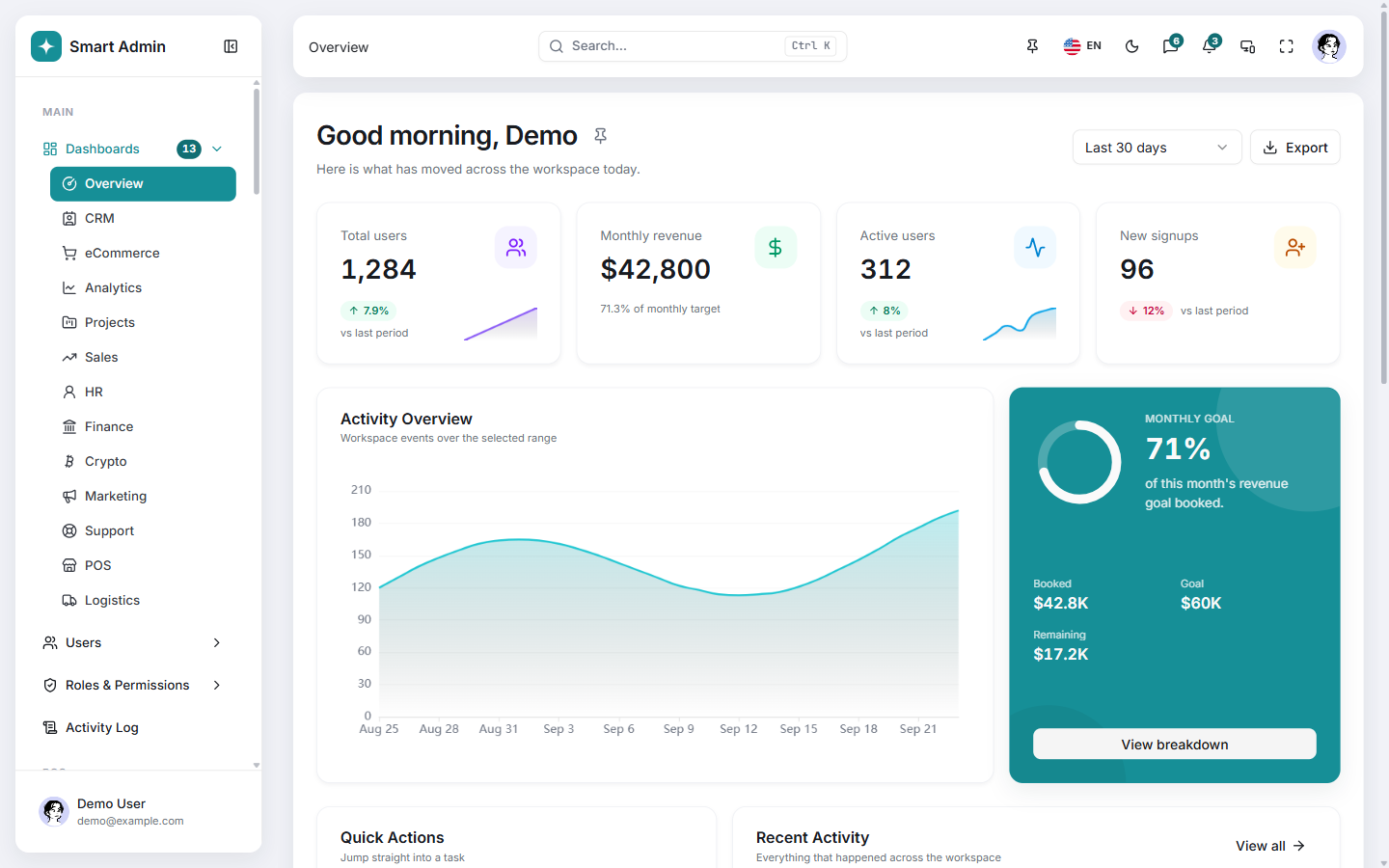
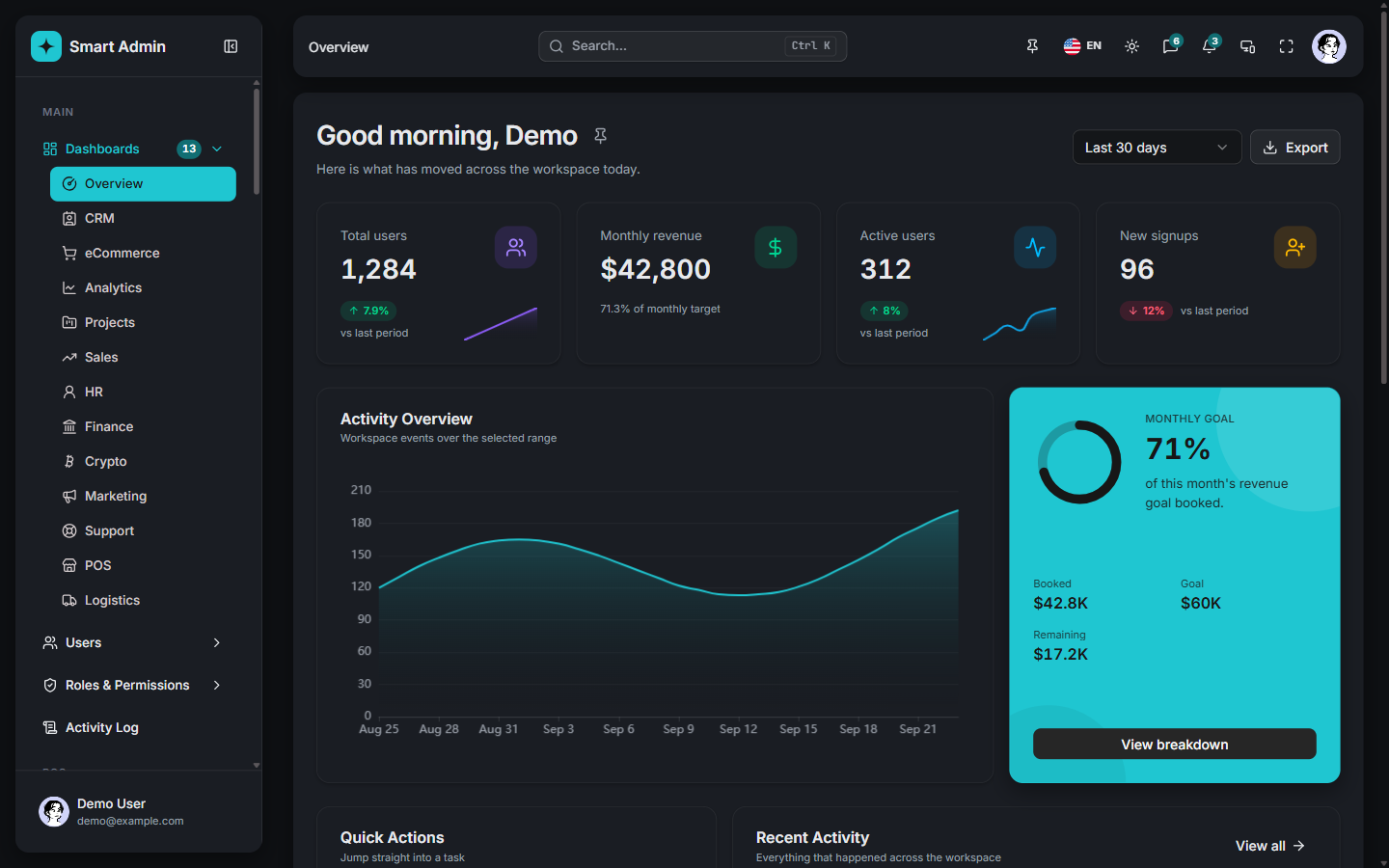
The template ships these presets in its theme customizer. Pick one and these docs change color with it, links and buttons included.
The customizer also sets radius, density, fonts, layout and direction. The choice here lasts for this visit.
13 dashboards and 5 apps, all built from the same components you get. A few of them:
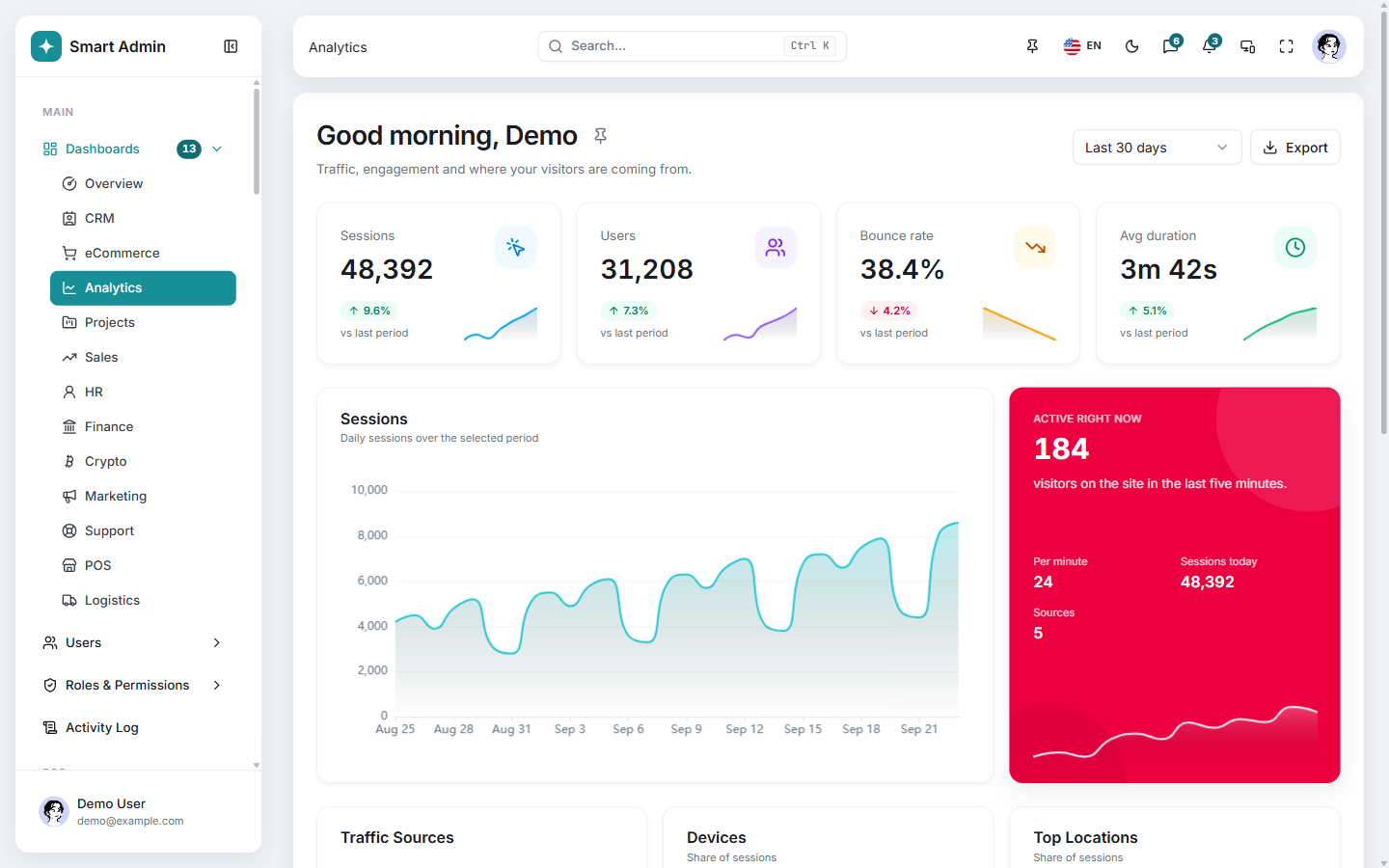
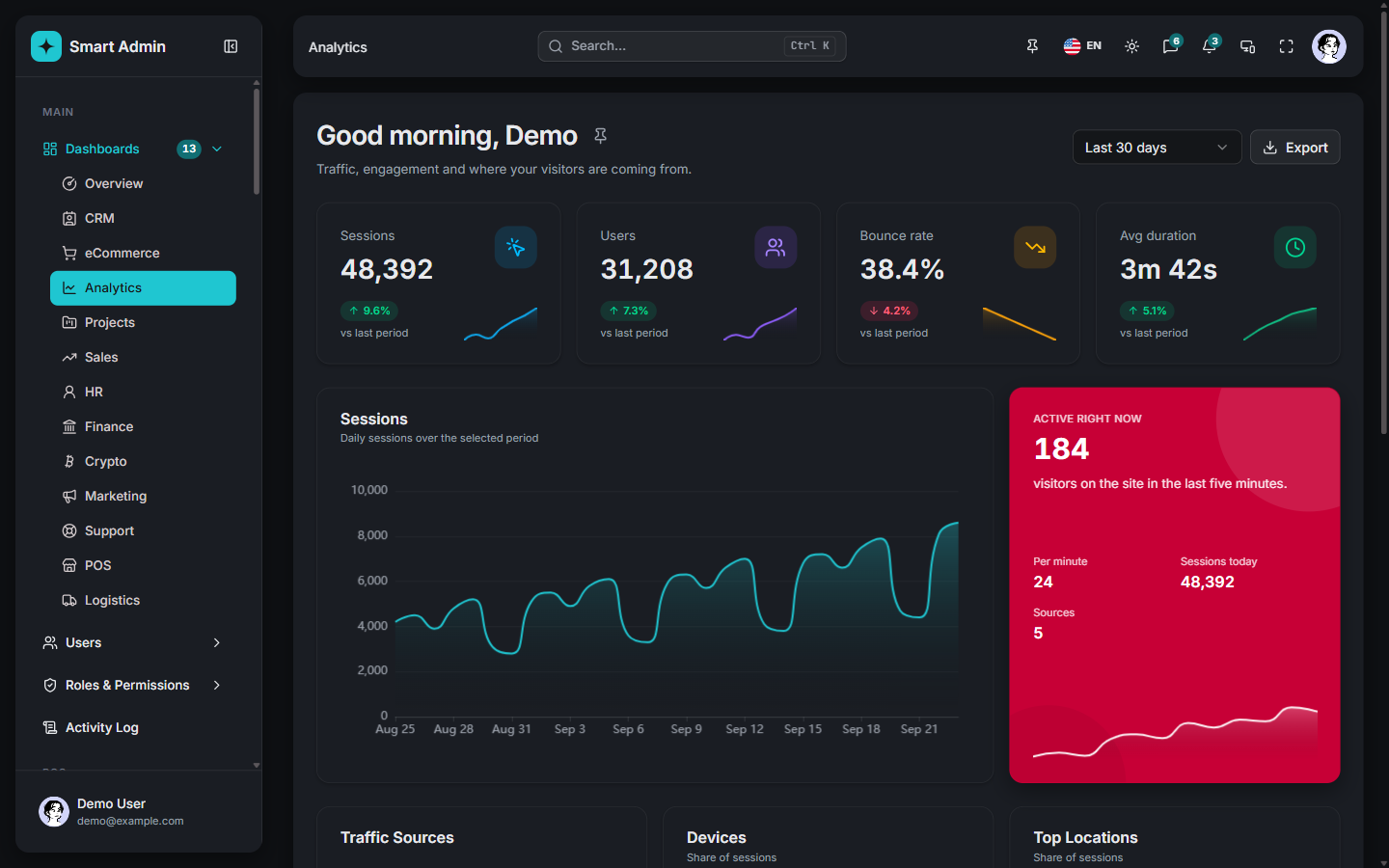 Analytics dashboard Traffic, engagement and where your visitors come from.
/dashboards/analytics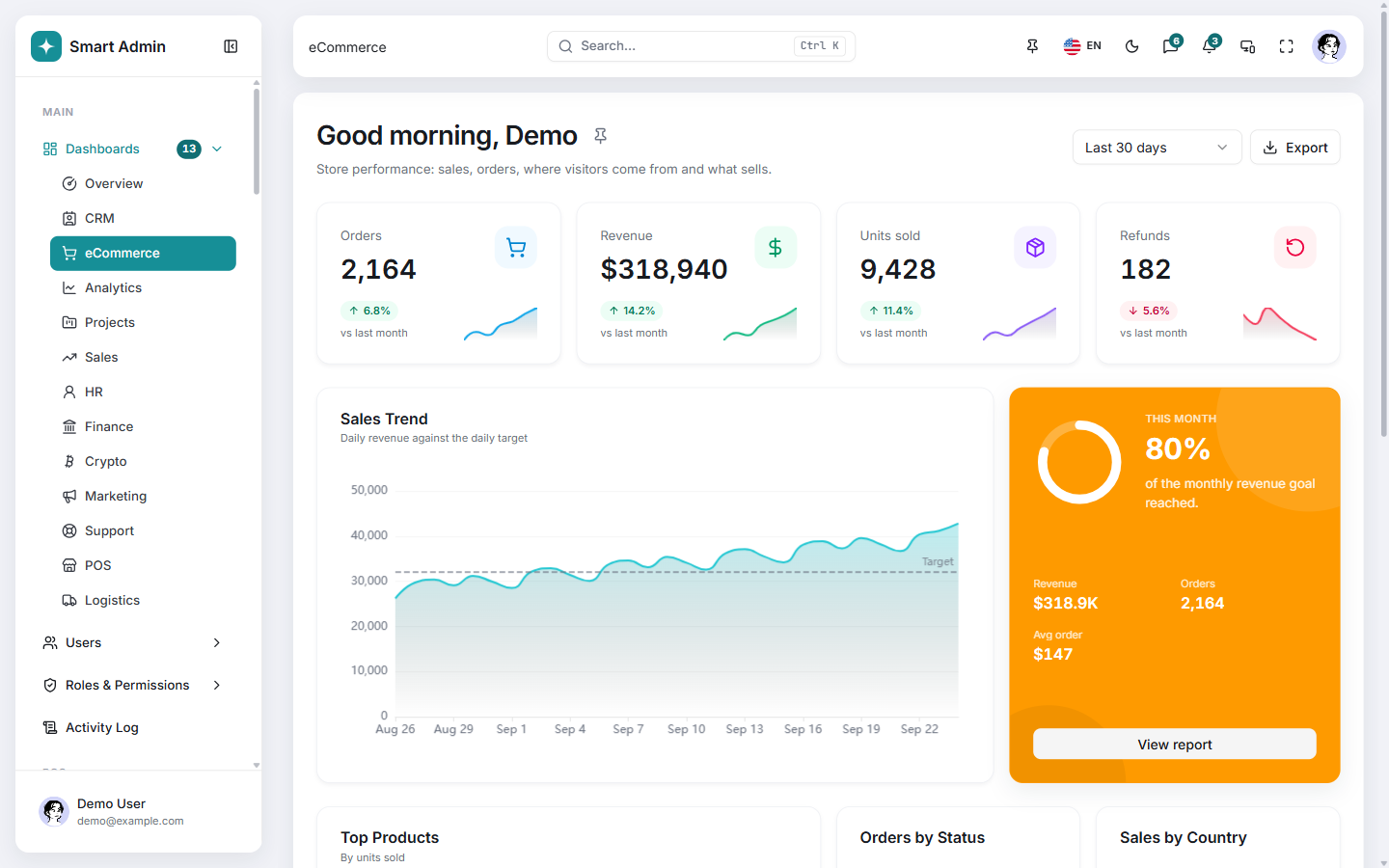
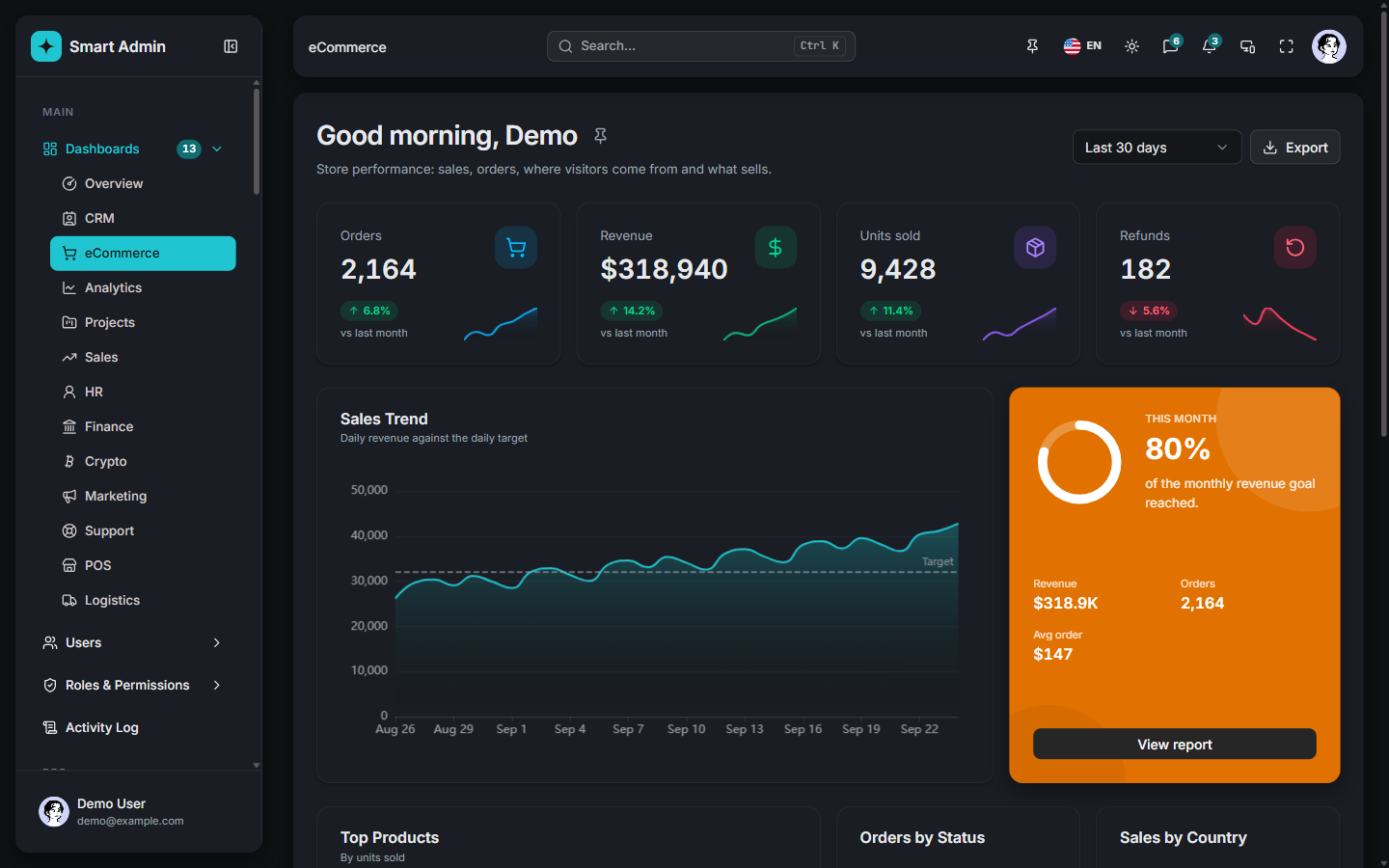 eCommerce dashboard Sales, orders, units sold and the daily revenue target.
/dashboards/ecommerce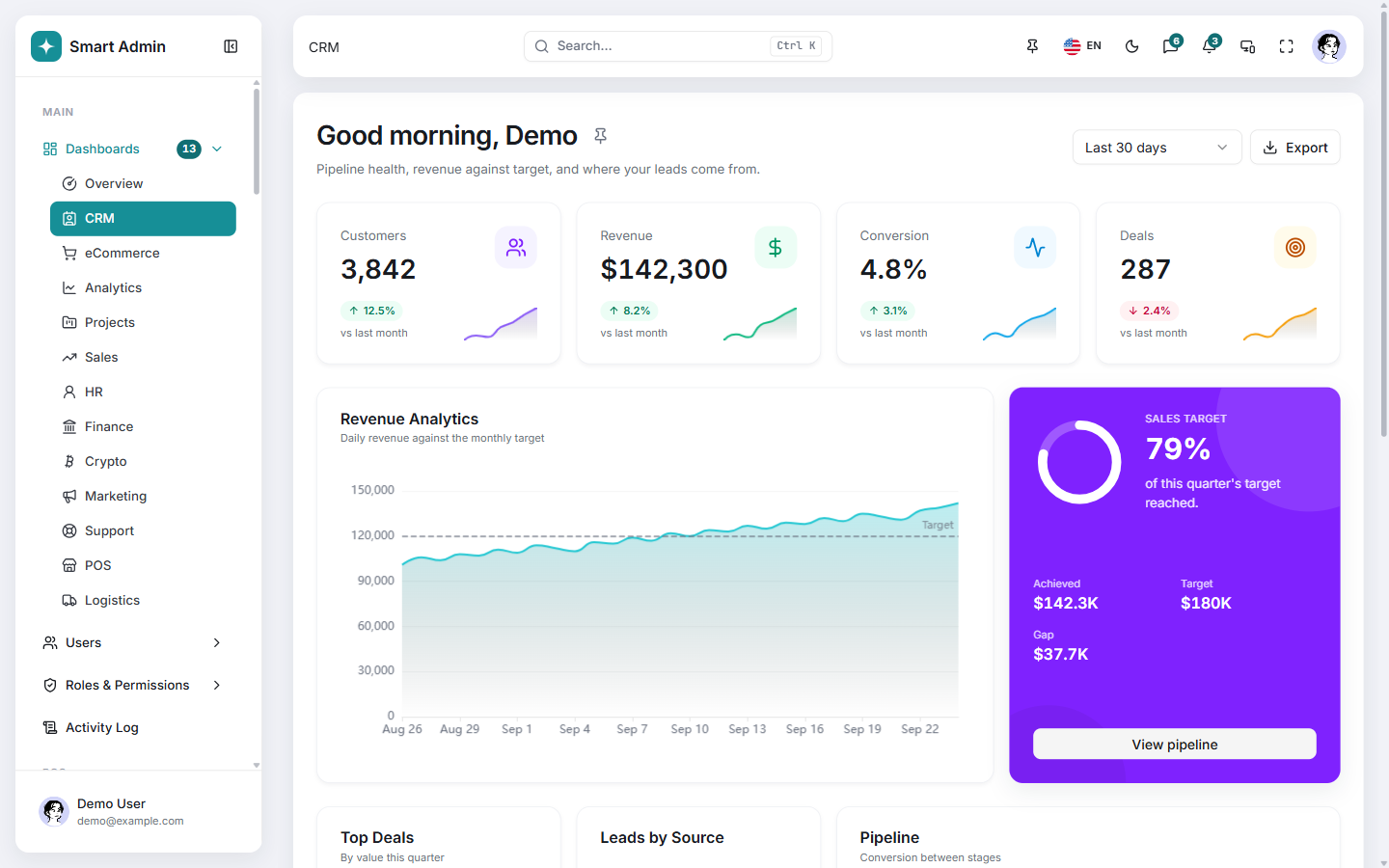
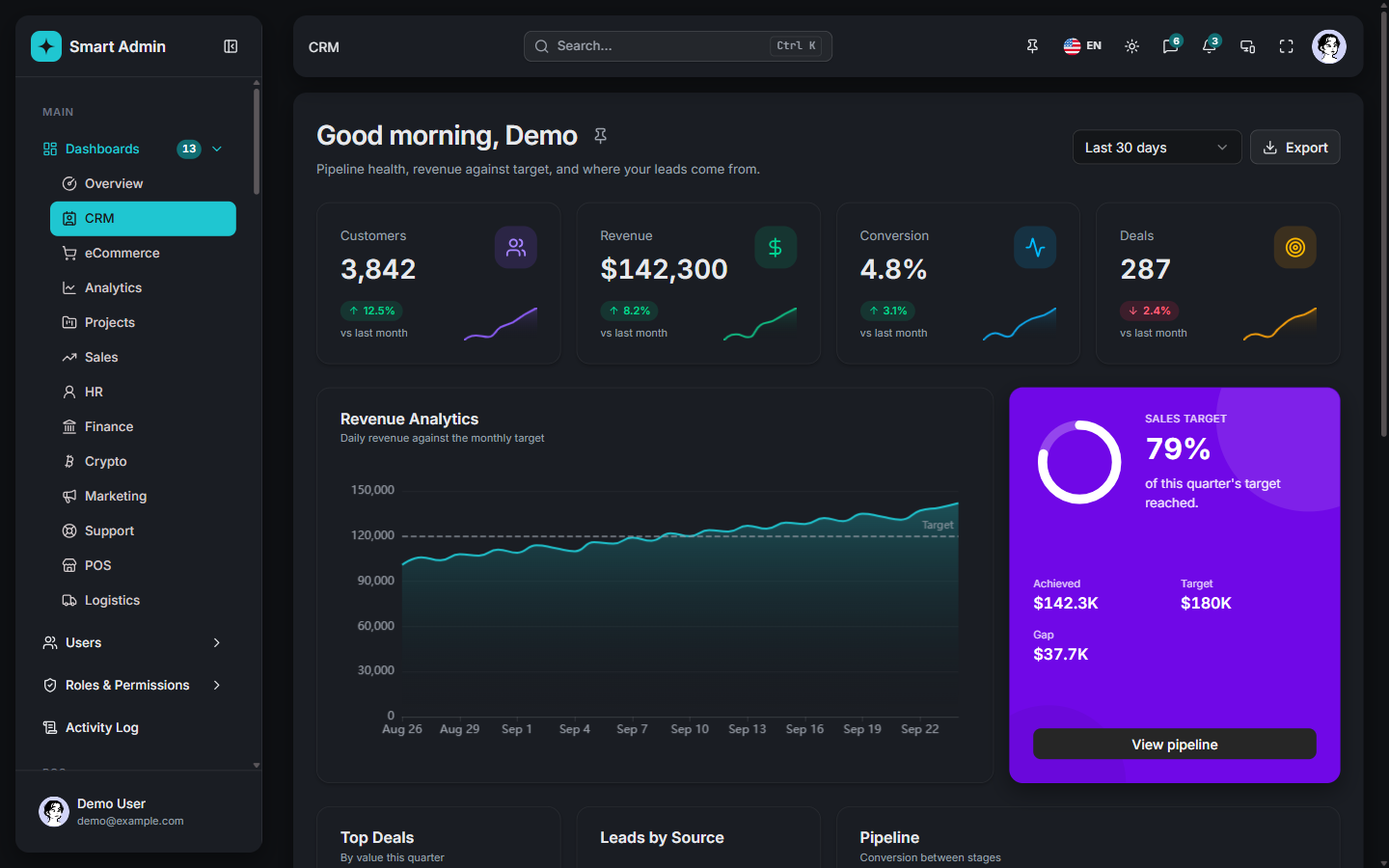 CRM dashboard Pipeline health, revenue against target and lead sources.
/dashboards/crm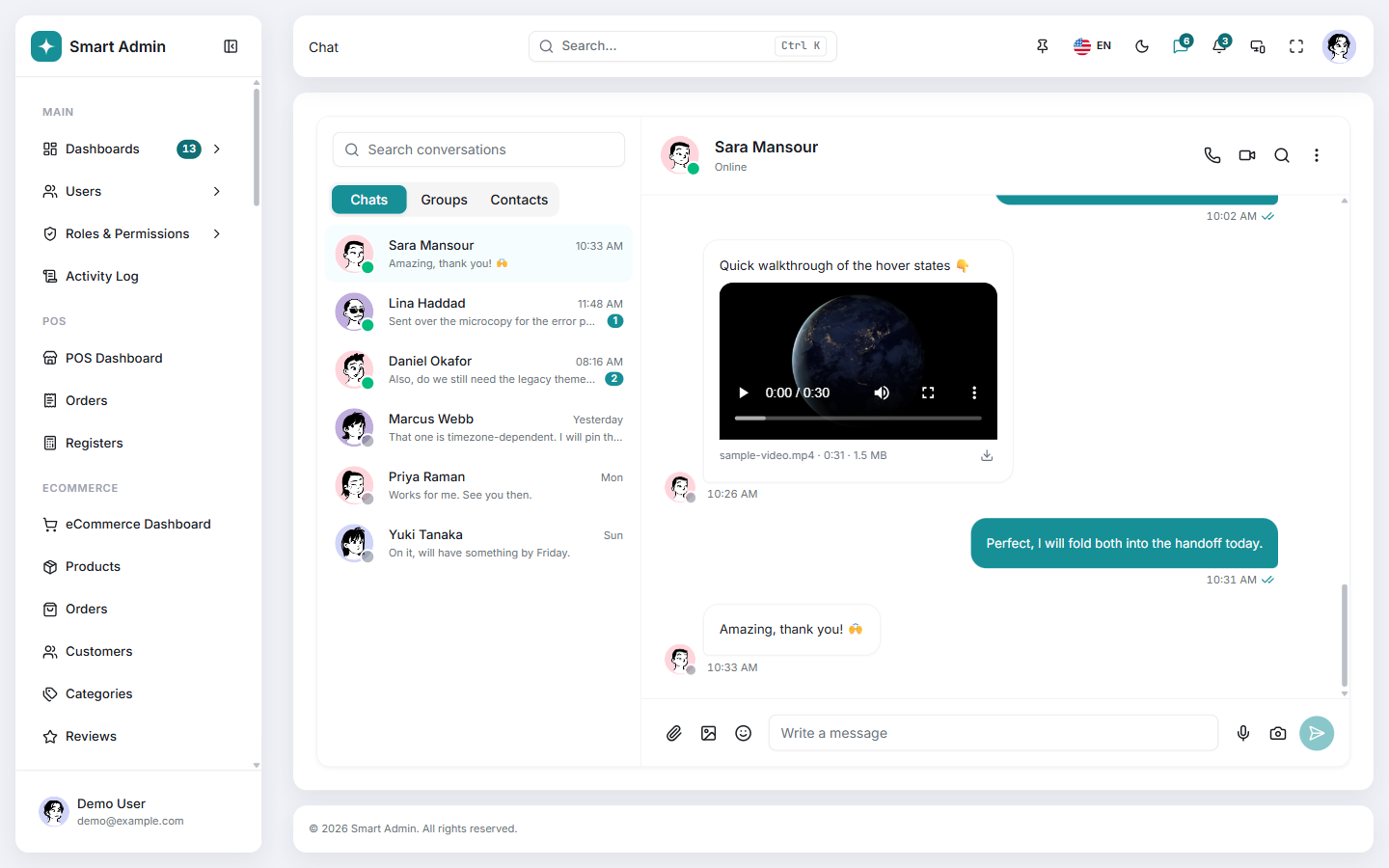
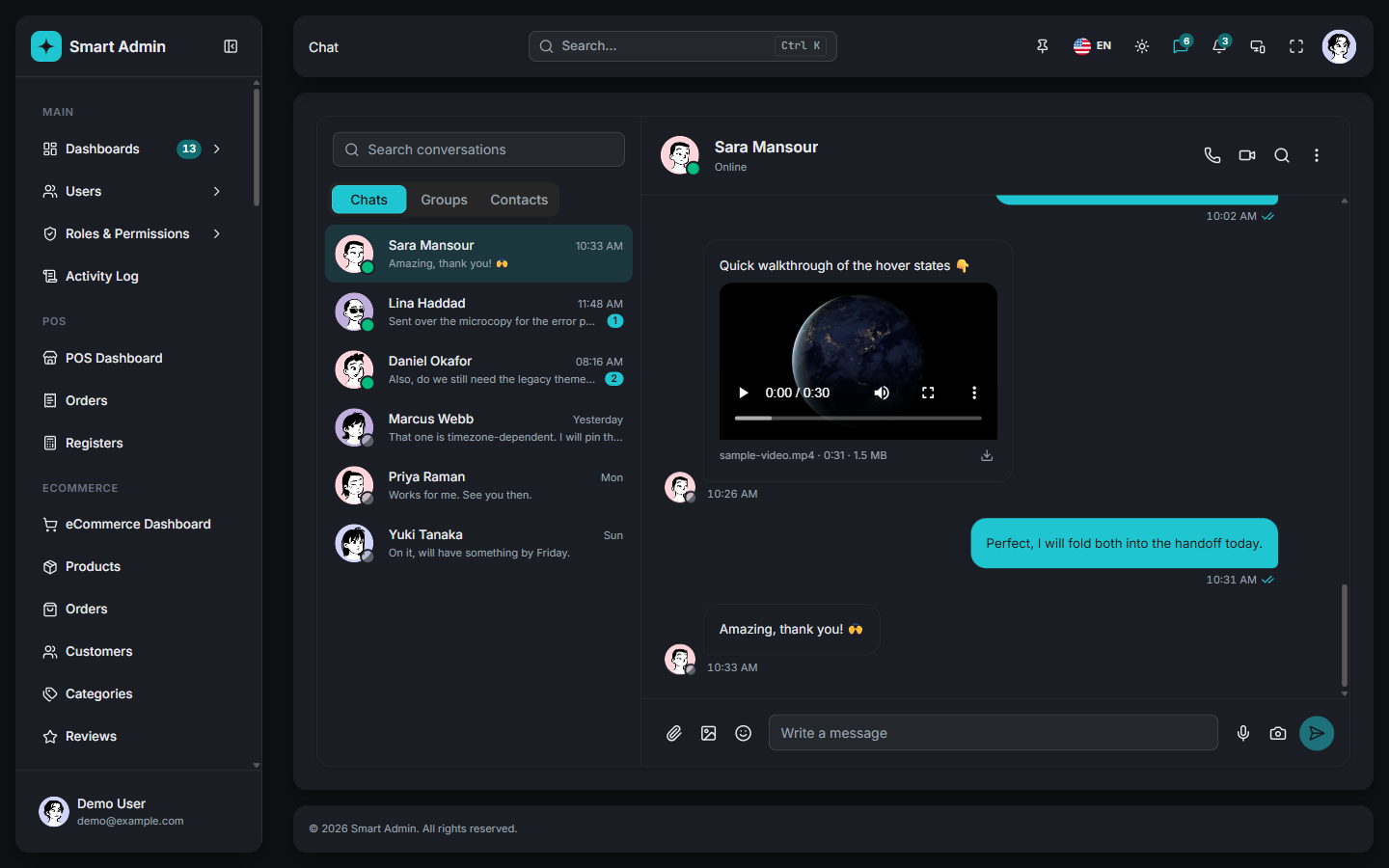 Chat app Conversation list, message thread, media and a composer.
/apps/chat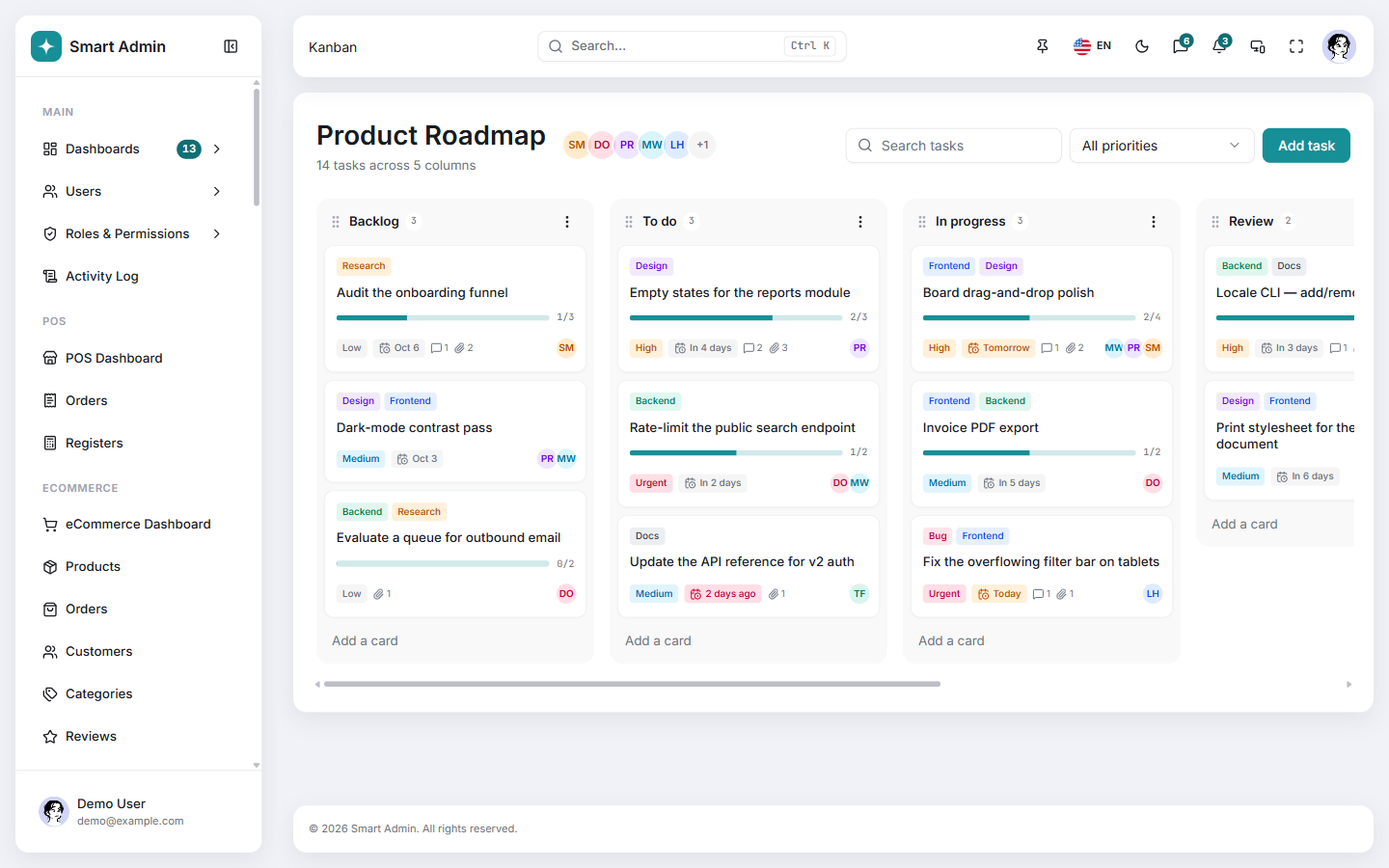
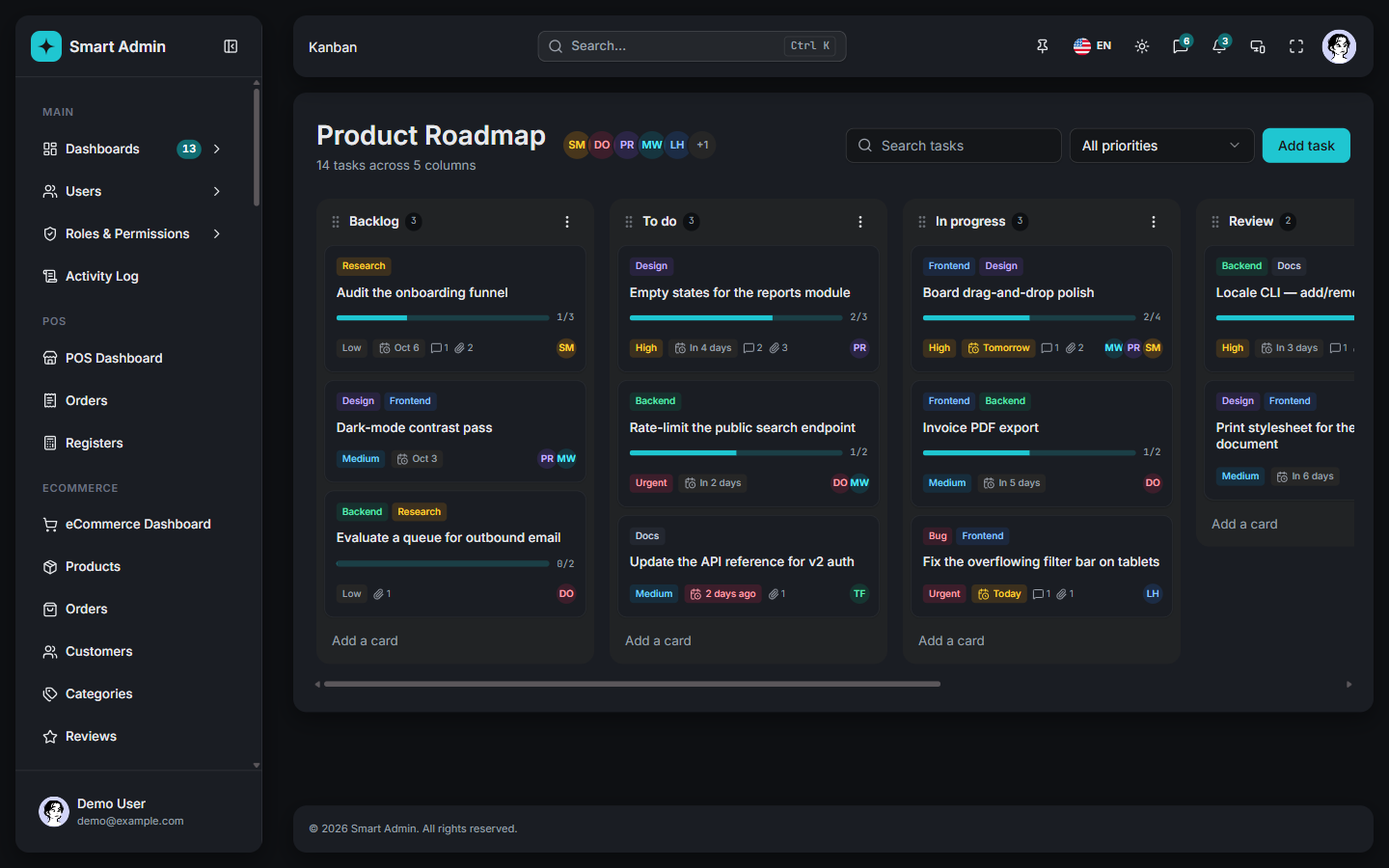 Kanban app A drag-and-drop board with labels, priorities and due dates.
/apps/kanban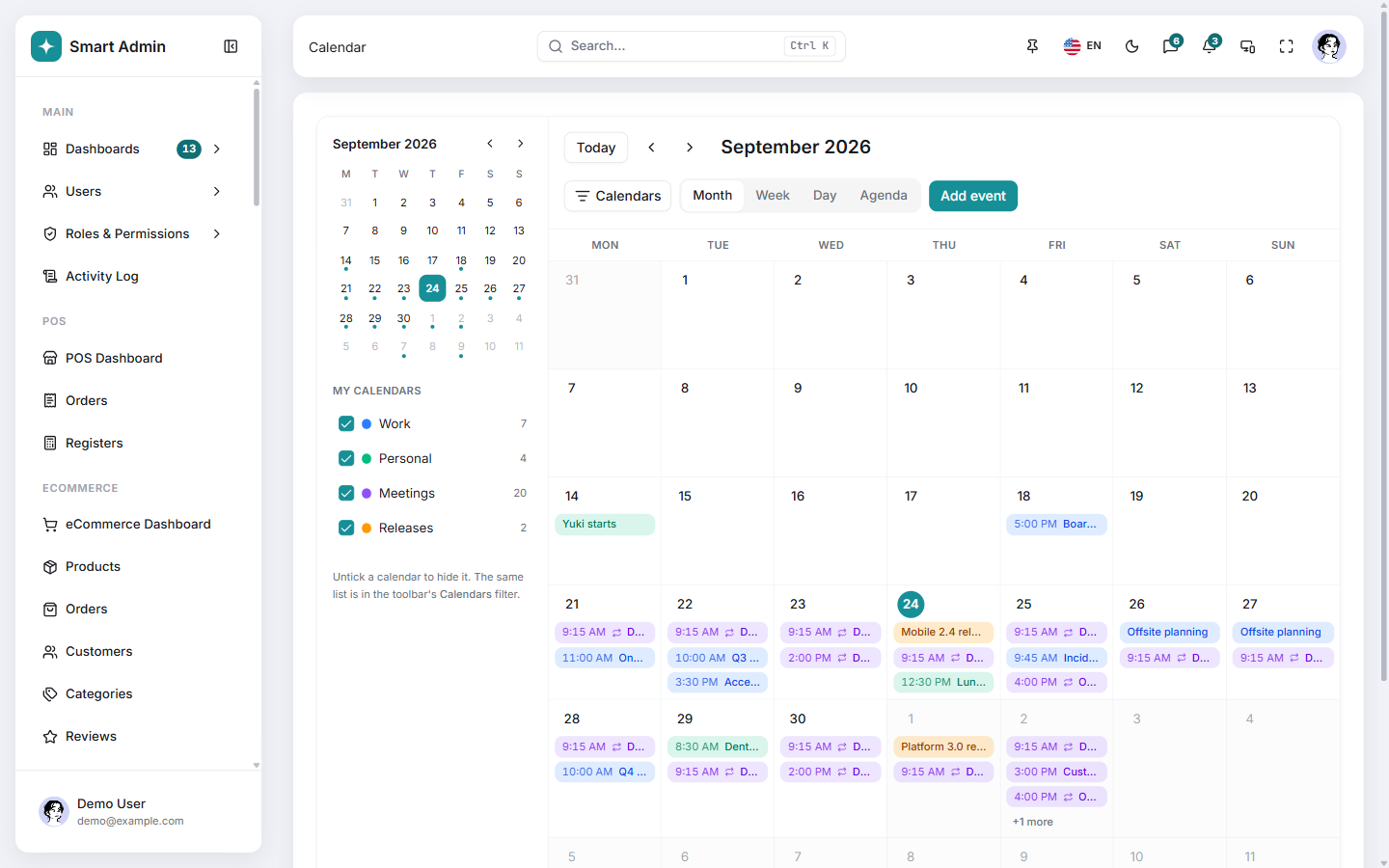
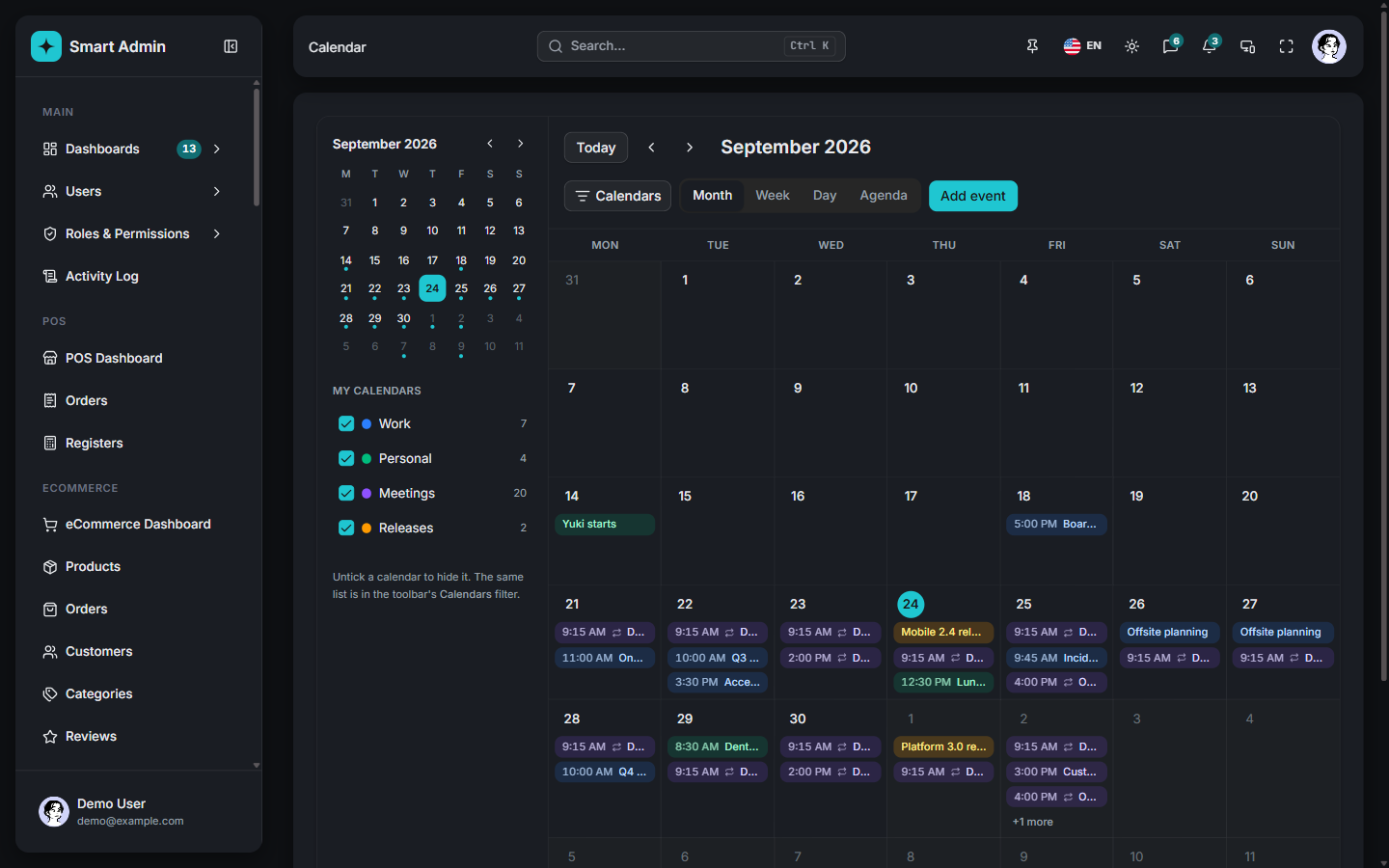 Calendar app Month, week, day and agenda views over color-coded calendars.
/apps/calendarDescribe an entity once as a field list. useSchema turns it into a Zod schema, form fields and table columns, so SchemaForm and SchemaTable never drift apart.
The generate command takes a real row from your API in smart-admin.generate.json and writes the list page, its types and the translations for every locale. generate-form builds a form from the fields you declare.
English, Arabic, French, German, Spanish, Italian, Portuguese, Turkish and Indonesian. Arabic flips the whole layout to right-to-left, and add-locale adds another language.
Each brand color becomes a full 50 to 950 ramp. Pick from 18 fonts, 3 densities, 4 radii and 4 layouts, in light or dark, and see it apply as you click.
A route declares meta.permission and the guard checks it. The v-permission directive hides what a role cannot use, and the sidebar filters its own items.
Below 768px the sidebar becomes a drawer, from 768px it turns into an icon rail, and from 1024px it follows your config. Data tables switch to cards on small screens.
Unzip the template, open a terminal in its folder and install. It needs Node 20.19 or 22.12 and up.
The template is built and tested with npm, whose lockfile and shipped .npmrc are what the dependency tree resolves against.
npm installVite serves the app with hot reload on port 5173, or the next free port if that one is taken.
npm run devThe shipped .env.development turns the demo backend on and fills in the sign-in form, so one press on Sign in opens the dashboard. Every page has data before you connect your own API.
http://localhost:5173
Every page in the demo is in the template you download.